

Flows turn scattered instructions into a single visual blueprint your teams can design, approve and execute together. Instead of checklists and static documents, leaders define the logic, roles and handoffs in one place – and the system runs it as authored.
The Challenge
Complex work rarely lives in one place. Processes are spread across separate tools that each hold a different part of the workflow. Policies sit in documents, steps disappear into chat threads, approvals hide in email, and teams keep their own versions of “how we do things”.
This fragmentation creates predictable risks:
- Ambiguity: teams interpret instructions differently.
- Drift: regions or partners create local variations over time.
- Governance gaps: permissions and authorisations are not enforced consistently.
- Slow rollout: moving from a plan to a running workflow still needs engineering work.
You usually only notice these gaps when something breaks - a missed approval, a failed audit, or a customer left waiting with no clear owner.
Leaders need a way to design, govern and deploy workflows without code, so they can trust that execution will follow what they define.
Our Solution is the Qi Flow Editor
The Qi Flow Editor lets teams map out a process as a visual model of steps, roles, and dependencies, then run that same model in a governed environment.
It provides:
- flow nodes for submissions, evaluations, approvals, notifications, and external calls, with more action types in the works
- typed connections for programming the flow sequence, logical branches, and required authorisations
- built-in governance so only authorised actors can take actions, with scopes of capabilities, and decisions recorded
- real-time collaboration so teams work from one definitive model
This shifts organisations from describing workflows to executing them.
The Big Picture
A flow reads like a clear storyboard:
- Define the steps: submit, review, vote, release funds, notify
- Assign who can act: service agents, evaluators, approvers, agentic oracles
- Set dependencies: “unlock evaluation after approval,” “require an authorised actor before funds move.”
- Publish: the same canvas used to design now runs the workflow, with permissions and state tracking built in
Design and execution stay aligned.
How It Works: Step by Step
Step 1: Design the flow
Add the tasks your process requires: submissions, evaluations, proposals, votes, notifications, API calls - and label them in your organisation’s language.
Step 2: Set the rules
Define authorised actors, conditions, and required evidence. The system enforces these rules exactly as configured.
Step 3: Connect the handoffs
Link steps so the flow controls when each action unlocks. Approvals, rejections, and assignments update state without manual coordination.
Step 4: Run with confidence
Permissions are checked, state is updated in real time, and every decision is auditable.
The Results
When a flow goes live, the system executes it exactly as designed.
- permissions and sequencing follow the model, not local interpretation
- updates can be deployed without engineering support
- the designed flow and the running flow remain identical, ensuring no drift
- teams see the same state: what is waiting, what is blocked and what is complete.
This keeps operations predictable as work evolves.
How to set up a flow for an evaluator of a claim collection.
Why It Matters
Organisations need workflows that behave consistently, regardless of who is involved:
- actions follow explicit rules and authorisations
- Tteams use one shared model instead of local variants
- aach step is tied to a role and recorded
- policy or regulatory changes can be implemented quickly
It strengthens confidence in how work is carried out.
Smart Features That Keep Teams Aligned
The Flow Editor provides the components needed to keep work coordinated without extra overhead:
- steps unlock only for authorised roles
- each step updates shared state that downstream logic depends on
- human and system actions run in the same flow
- teams can design and operate together in real time.
These features keep everyone aligned as the process runs.
A Simple Example
Instruction
“An AI agent submits a report. An authorised evaluation oracle reviews it. If approved, this releases payment to the AI agent service provider. Only authorised or whitelisted actor DIDs can act on a flow object, within the scope that has been delegated to them.”
Flow
- “Submit report” for the oracle
- “Evaluate” unlocks after submission
- “Approve and release” restricted to authorised evaluators
- notifications at each stage
Each rule is enforced directly by the flow.
What’s Next
We’re extending the toolkit so teams can move faster from policy to live workflows:
- starter kits for claims, governance, and partner onboarding
- analytics to surface where decisions stall
- integrations so flows can interact cleanly with external systems
The aim is to shorten the distance between intent and execution.
Conclusion
The Flow Editor moves teams from describing work in documents to running work from a governed model. Leaders define the logic, collaborate in real time, and trust that execution will follow exactly what was designed.
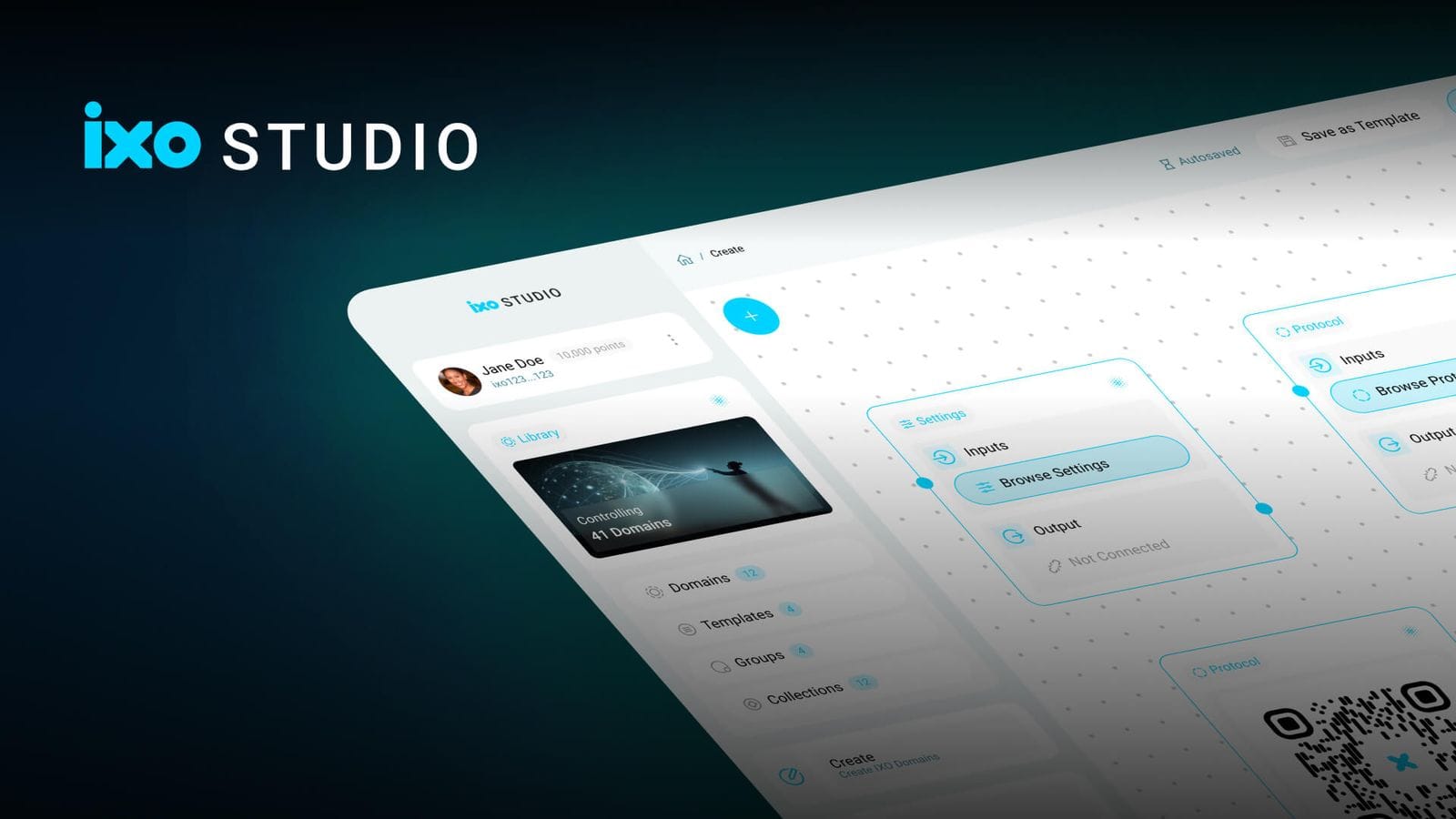
IXO Studio is an open-source, drag-and-drop web app for creating and configuring Domain Networks on the IXO Spatial Web. It empowers users to design custom impact ecosystems with no-code tools, enabling the setup of governance, credentials, data flows, and token economies with ease.